Welcome to Easy Computer Tutorial

Making computing, easy

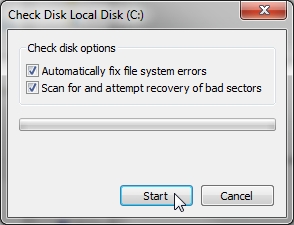
Quick memory error fix

Today I had a user that was in a little of a panic mode. They use a POS software to do everything at their location. When she went to her pc and discovered that there was a memory error, she was fully surprised and didn’t knew what to do.
Renew Consideration of Deferred Action for Childhood Arrivals

Today we have been made aware of this news. http://www.uscis.gov/uscis-main-site/humanitarian/consideration-deferred-action-childhood-arrivals-process/ice-granted-daca-renewal-guidance This is how to renew your Deferred Action for Childhood Arrivals. We wish to inform you of your opportunity to renew Deferred Action for Childhood Arrivals (DACA). Our records indicate that U.S. Immigration and Customs Enforcement (ICE) deferred action under the DACA process in your case. … read more »

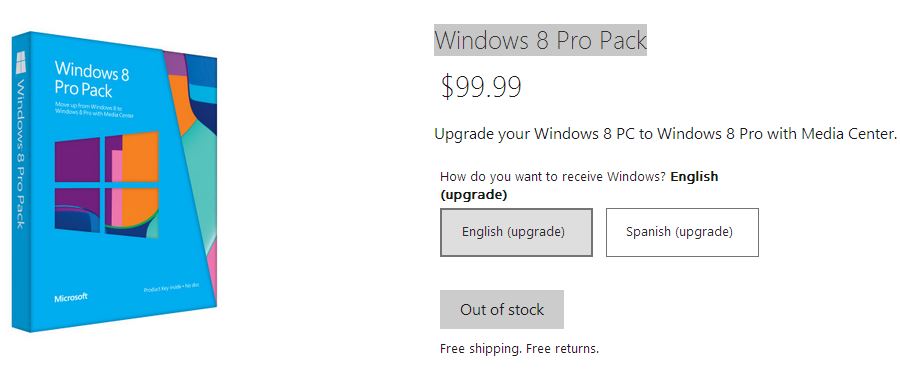
Win 8 pro pack We couldn’t process your order

I recently came to this error, when I was upgrading a win 8 computer to win 8 pro. When I go and put in the credit card information, i get an error message: “We couldn’t process your order” This error messages is due to the fact that Microsoft is Out of Stock of win 8… read more »

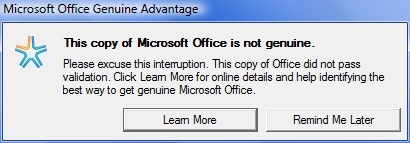
Office 2003 not genuine fix

Recently I came across an issue that was a little intimidating at first, but with a little research it turned out to be a piece of cake. Office 2003 Outlook user claims that he cant send attachments by email.  I went and saw that error message This copy of office is not genuine   This is… read more »

Access the BIOS

Common keys to press to enter the bios of a computer. Dell: F2, F1, Delete, F12, F3 Ctrl +Alt+Enter, Delete, Fn + Esc or Fn+F1 HP F10 and Esc F1, F2, F6, or F11 On tablets F10 or F12  Sony VAIO F2 or F3 Toshiba F2, F1, Esc or F12 Acer F2 or Delete

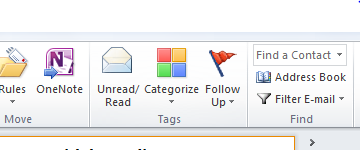
Change default address book on outlook

To change the default address book on your Outlook, go through the following steps: With Outlook open, Open the Address book ether by clicking the small address book  icon on the tool bar, or by going to the Tools menu and clicking Address Book. Next on the Address book window, go to the Tools menu… read more »

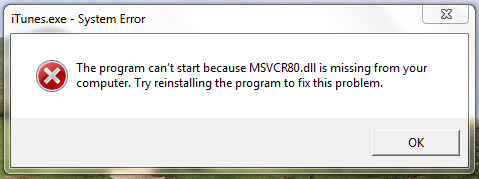
The program can’t start because MSVCR80.dll is missing

Recently i came across this error message that was given to one of our clients on his computer when login on to windows 7 The program can’t start because MSVCR80.dll is missing from your computer.  Try reinstalling the program to fix this problem.

Sidebar